
Free Connections Offer
Yeastar Remote Management platform will be upgraded in October, your Remote Management connections will become more valuable. Don't miss the chance to get unlimited free Remote Management connections!
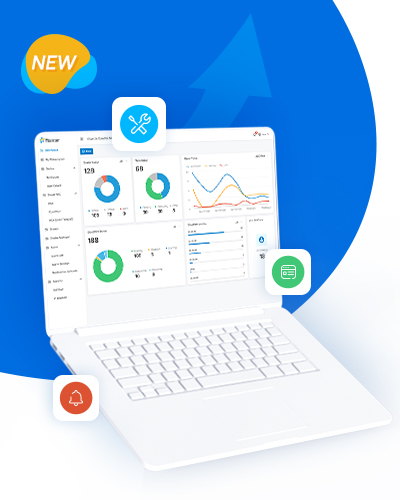
Platform Upgrade Coming & Grab the Offer to Enjoy More
👉 Offer Period: July 26, 2021 - Sept. 30, 2021
👉 Quantity: Unlimited.
📄 Note: the remote management connections you get through this offer are permanently free for your use as long as your Yeastar Remote Management Annual Subscription is valid. If you haven't subscribed to Yeastar Remote Management, you can enjoy these free connections for one year.

Platform Upgrade Exclusive Sneek Peek
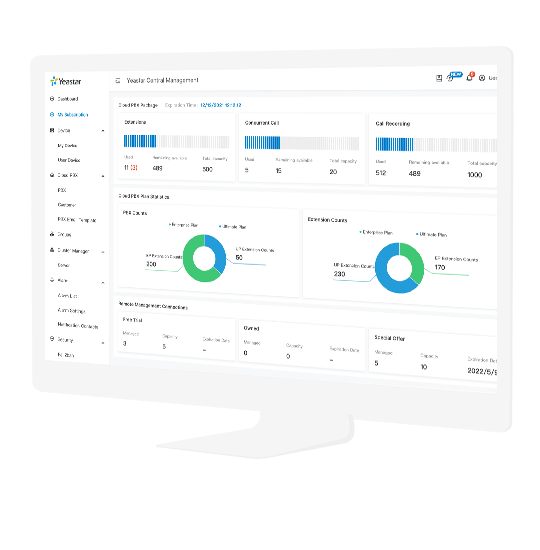
After the upgrade, the Yeastar Remote Management platform will be even more powerful to make your device central management a piece of cake and deliver remote customer support easier. Some stunning upgrades:
🚀 Brand new UI with graphical dashboards to display device status, alarms, tasks, and more
🚀 Added device support for P-Series Appliance Edition & Software Edition
🚀 Central management portal for the upcoming P-Series Cloud Edition
🚀 Device group & colleague account for team efficiency
🚀 And more ...

P-Series Software Edition 30-day Trial
👉 Step 1: Apply for a P-Series SE Trial License in the Yeastar Partner Portal (How)
👉 Step 2: Enable the trial license on the PBX
👉 Step 3: Fill in the application form
P-Series Software Edition
About: a complete unified communication solution that can run on your own hardware appliance or virtual environment.
• Easy • Secure • Complete Control
P-Series Appliances EP/UP Subscription 30-day Trial
👉 Step 1: Enable the Enterprise Plan (EP) or Ultimate Plan (UP) free trial on your customer's P-Series appliance (Go to PBX Management Portal > Plan)
👉 Step 2: Guide the customer to try the service with Linkus UC Clients
👉 Step 3: Fill in the application form
P-Series Appliances EP/UP
About: an extended service according to every customer’s specific need, which meets the rich and diverse office needs of different users.
• Diversified • Reliable • Powerful
Linkus Cloud Service 30-day Trial
👉 Step 1: Enable Linkus Cloud Service on your customer's S-Series VoIP PBX or K2 IP-PBX (Go to Linkus > Enable Linkus Server > Enable Linkus Cloud Service)
👉 Step 2: Guide the customer to try the service with Linkus UC Clients
👉 Step 3: Fill in the application form
Linkus Cloud Service
About: a valued-added service designed to make remote working easier and more accessible for Yeastar S-Series VoIP PBX and K2 IP-PBX users.
• Secure • Convenient • Efficient